MSP Parking QR Code: How It Works & Tips 2026
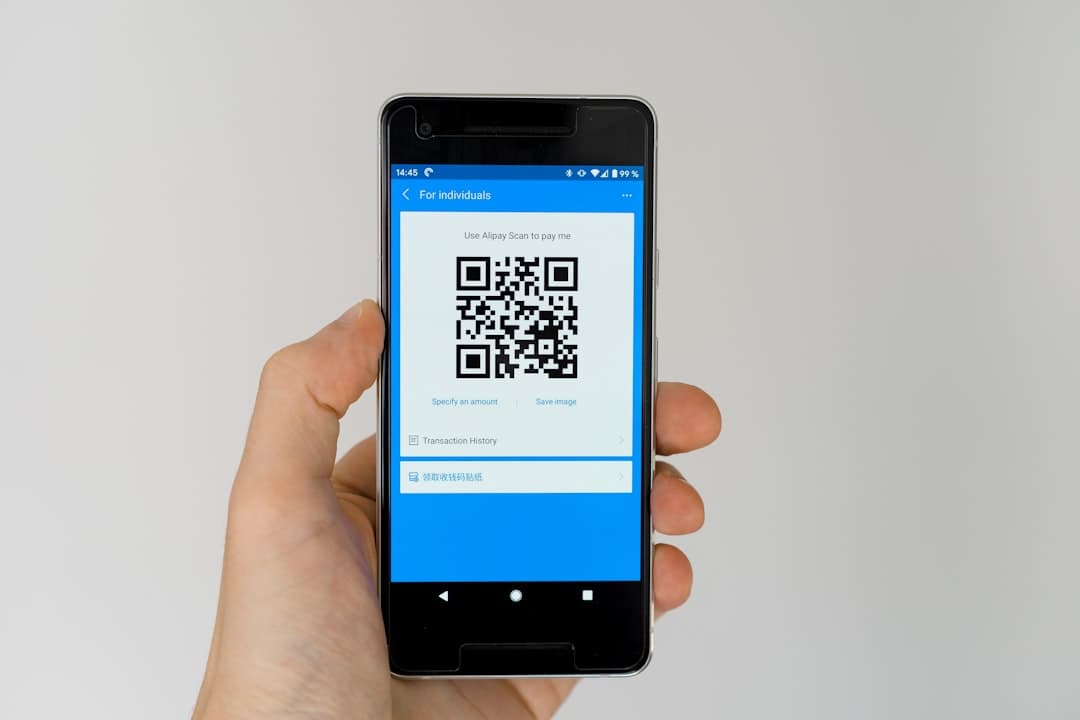
The MSP parking QR code is a digital barcode emailed after prebooking. Scan it at the gate to enter and exit. Prebooked rates start at $19/day — up to 37% less than drive-up.
Book MSP airport parking — pick your dates
Pick your dates to search
Quick answer
The MSP parking QR code is a digital barcode sent to your email after you prebook a parking spot. Scan it at the automated entry gate using your phone—no paper ticket, cash, or staff needed. Prebooked QR parking costs $19/day at Quick Ride Ramp versus $30/day drive-up, saving up to 37%.
Back to MSP Airport Parking Coupons & Deals | Complete MSP Airport Parking Guide
The MSP parking QR code is a digital barcode sent to your email after prebooking a parking spot at Minneapolis-Saint Paul International Airport. You scan it at the automated entry and exit gates — no paper ticket needed, no cash, no delay. Prebooked QR code parking costs as little as $19/day at the Quick Ride Ramp, versus up to $30/day for drive-up rates at Terminal 1 Daily Ramps — a savings of up to 37% (verified June 2026).
- QR code delivery: Arrives by email immediately after booking — save it offline before you arrive.
- Where to scan: Hold your phone up to the scanner at the automated entry gate; exit works the same way.
- Best prebooked rate: Quick Ride Ramp at $19/day, with a free 24/7 shuttle to both terminals.
- Drive-up backup: If you can't scan, insert a credit or debit card at the gate — the same card exits you out.
- Offline backup: Save your QR code to Apple Wallet or Google Wallet before leaving home.
- No parking closures expected in 2026, despite MSP's active $501 million capital improvement program underway.
Ready to lock in your spot? Compare MSP prebooked parking rates — starting at $19/day at Quick Ride Ramp — on Triply and skip the drive-up line entirely.
What Is the MSP Parking QR Code and How Does It Work?
The MSP parking QR code is a unique, booking-specific barcode that replaces the old paper ticket system at Minneapolis-Saint Paul International Airport. It links directly to your reservation in the Metropolitan Airports Commission (MAC) parking system. When you scan it at the gate, the system recognizes your vehicle's entry time and matches it to your booking on exit.
MSP's on-airport parking facilities hold roughly 26,000 vehicles across Terminal 1 and Terminal 2 ramps. The QR code system manages high-volume entry and exit without staff at every lane. This speeds up gate times significantly compared to the older ticket-and-pay-station method.
The QR code works at all prebooked on-airport ramps: Terminal 1 Daily Ramps (Green, Gold, Blue, Red, Silver, Pink, Brown), Value Parking (Orange Ramp, Terminal 2), and the Quick Ride Ramp. Each ramp has a dedicated scanner mounted at the entry gate, typically at window height for most sedans and SUVs.
Drive-Up Entry (No QR Code)
Didn't prebook? No problem. Drive-up entry uses a credit or debit card instead of a QR code. Insert your card at the entry gate and the system records your entry. Use the same card at the exit gate to pay. MSP accepts Visa, Mastercard, American Express, Discover, and contactless payments. Cash is accepted at pay stations inside the ramp if you prefer, but not at the automated lanes.
How to Get Your MSP Airport Parking QR Code (Step-by-Step)
Getting your QR code takes about three minutes online. The code arrives by email instantly after your booking is confirmed — no waiting, no app download required.
- Go to mspairport.com/parking or use a third-party comparison tool like Triply's MSP parking search.
- Select your parking option — Quick Ride Ramp, Value Parking, or a Terminal 1 Daily Ramp.
- Enter your arrival date, departure date, and vehicle details.
- Pay online. Prebooked rates are locked in at the time of booking.
- Check your email. Your confirmation includes the QR code image.
- Screenshot the QR code or save it to your phone's wallet app (see the wallet section below).
The QR code remains valid for the duration of your booking window. If you modify or extend your trip, you'll receive a new code. Changes must be made at least 12 hours before your arrival time to qualify for a full refund or rate adjustment — the same policy covered in detail in our guide on MSP prebook parking rates and savings.
How to Use Your QR Code to Enter and Exit MSP Parking Ramps
Using the QR code at the gate is simple — but a few small details help it go smoothly every time.
At Entry
- Pull up to the automated entry gate for your ramp.
- Open the QR code on your phone (or printed copy).
- Hold the screen about 4-6 inches from the scanner. The scanner is positioned at driver's window height.
- The gate opens within 2-3 seconds once the code reads. A confirmation screen will show on the display.
- Pull forward and the gate arm will lower behind you.
At Exit
- Pull up to the exit lane for your ramp.
- Scan the same QR code again.
- If your stay matches your booked period, the gate opens immediately — no additional charge.
- If your stay exceeds your booked window, the system charges the difference at standard hourly rates. For Terminal 1 ramps, that's $3/hour above the daily cap after your booking window ends.
- Payment for overstay is processed automatically to the card on file from your original booking.
What Happens If Your MSP Parking QR Code Doesn't Scan?
QR code scan failures are rare, but they happen. Here's exactly what to do — something no other guide covers in full detail.
Common Reasons a QR Code Fails
- Screen brightness too low: Increase your phone brightness to maximum before scanning.
- Glare or direct sunlight: Tilt the screen slightly to reduce glare on the scanner lens.
- Screenshot quality too small: Zoom in on the QR code image before scanning.
- Expired or modified booking: If you changed your trip, your original QR code may be void. Check email for a replacement code.
- No mobile data or dead battery: This is why offline wallet storage matters — see the Apple/Google Wallet section below.
What to Do at the Gate
- Press the intercom button on the gate kiosk. A parking attendant will assist you remotely.
- Give them your booking confirmation number (it's in your email).
- They can manually open the gate and log your entry.
- Alternatively, insert a credit card at the gate to enter as a drive-up customer. You'll need to reconcile the booking with MSP parking customer service later.
For more on reaching MSP parking staff, our guide to MSP airport parking customer service covers phone numbers, hours, and how to resolve billing issues after the fact.

How Much Can You Save With MSP Prebooked QR Code Parking vs Drive-Up Rates?
Prebooked QR code parking consistently costs less than driving up and paying on the spot. Here's a full comparison of current on-airport rates (verified June 2026) alongside off-airport options.
| Parking Option | Rate | Entry Method | Terminal Access |
|---|---|---|---|
| Terminal 1 Daily Ramps (drive-up) | $30/day | Credit card | Direct walk |
| Quick Ride Ramp (prebooked) | $19/day | QR code | Free 24/7 shuttle |
| Value Parking / Orange Ramp (prebooked) | $21/day | QR code | Direct walk (Terminal 2) |
| Valet Parking (Terminal 1) | $50/day | Attendant | Door 2, Terminal 1 |
| EZ Air Park (off-airport) | $12.95/day | Lot check-in | Free shuttle, ~15 min |
| Shepard Road Airport Parking (off-airport) | $14.50/day | Lot check-in | Free shuttle, 5-7 min |
| Comfort Inn Minneapolis Airport (Park & Fly) | $9.95/day | Hotel check-in | Free shuttle (4 AM–midnight) |
Prebooked Quick Ride Ramp parking saves you $11/day compared to drive-up Terminal 1 rates — that's a 37% saving on a one-week trip. Off-airport lots push savings even further. EZ Air Park at $12.95/day saves you 57% versus drive-up Terminal 1 pricing. The trade-off is shuttle time, not comfort. For the cheapest off-airport rates with shuttle service, our guide to cheapest parking near MSP with shuttle breaks down every option in full detail.
Which MSP Parking Ramp Should You Choose When Prebooking?
The best ramp depends on your terminal, vehicle type, and how much walking you want to do.
- Terminal 1 (Lindbergh) travelers: Delta, American, United, Alaska, Air Canada, and most international carriers use Terminal 1. Choose any of the named Terminal 1 ramps — Green, Gold, Blue, Red, Silver, Pink, or Brown. All are within a short walk of the terminal. The Terminal 1 parking map shows exact ramp-to-gate walking distances.
- Terminal 2 (Humphrey) travelers: Southwest, Sun Country, Frontier, Allegiant, JetBlue, and Icelandair all use Terminal 2. Value Parking in the Orange Ramp is your best bet at $21/day. It's a direct walk to the terminal.
- Quick Ride Ramp: The most budget-friendly on-airport option at $19/day. A free 24/7 curbside shuttle runs to both Terminal 1 and Terminal 2. Allow 15-20 minutes total for shuttle pickup and drop-off.
- Valet Parking: Located at Terminal 1's upper east roadway near Door 2. Costs $50/day. Best for early or late flights when you want zero walking. See our full MSP valet parking availability guide for hours and tips.
MSP is in the middle of a $1.9 billion capital improvement program for 2026–2028, with $501 million allocated in 2026 alone. The Terminal 2 North Expansion is active, but all ramps remain fully open. No parking closures are expected in 2026, per the MSP construction update page.
How to Save Your MSP Parking QR Code Offline (Apple Wallet & Google Wallet)
Saving your QR code offline is the single best thing you can do before a trip. If your phone loses signal, runs out of battery mid-scan, or your email app crashes at the gate, a wallet-stored code still works.
Apple Wallet (iPhone)
- Open your booking confirmation email on your iPhone.
- If the booking platform offers an "Add to Apple Wallet" button, tap it. The pass saves directly.
- If no button is available, take a screenshot of the QR code and save it to your Photos app. Enable offline access in your Photos settings so it's available without signal.
- Alternatively, use a QR code-to-pass converter app available on the App Store.
Google Wallet (Android)
- Open the confirmation email in Gmail or your email app.
- Tap "Add to Google Wallet" if the booking provider supports it.
- If not, save the QR code image to your Downloads folder and enable offline availability in Google Photos.
- Google Wallet also supports manual pass creation from image files using third-party pass apps.
International travelers or anyone on a limited data plan should screenshot the QR code on Wi-Fi before leaving home. Airport Wi-Fi is available at MSP, but don't rely on connecting at the gate when a line of cars is behind you. Before your trip, also check TSA security screening guidelines so you know what to expect past the parking ramp — being prepared at both ends of your journey saves time.
Printed Backup
Old school still works. Print your confirmation email or just the QR code image on a standard sheet of paper. The scanner reads printed codes just as well as phone screens. Fold it and keep it in your glove box as a backup. If you're traveling with multiple vehicles or a group, each driver needs a separate booking and a separate QR code.
Compare MSP parking rates — a typical off-airport lot near Minneapolis-Saint Paul International Airport costs about 55% less per day than the airport's own terminal garage.
Frequently Asked Questions
Looking for the complete guide?
MSP Airport Parking from $10/day: Rates & Best Lots 2026More MSP Parking Guides
MSP Airport Terminal 2 Parking Promo Code Free: 2026 Guide
MSP Airport Parking Coupon Code: Best Deals & Savings 2026
MSP Airport Parking Promo Code Terminal 1: 2026 Guide
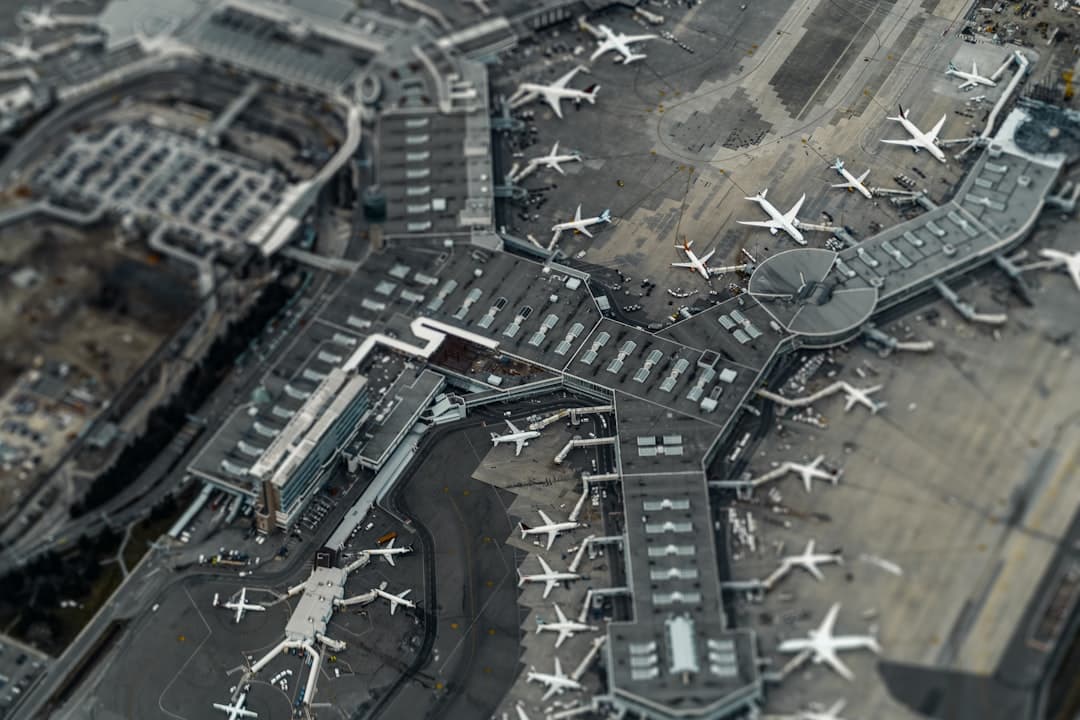
MSP Airport Parking Deals 2026: Best Rates & Savings
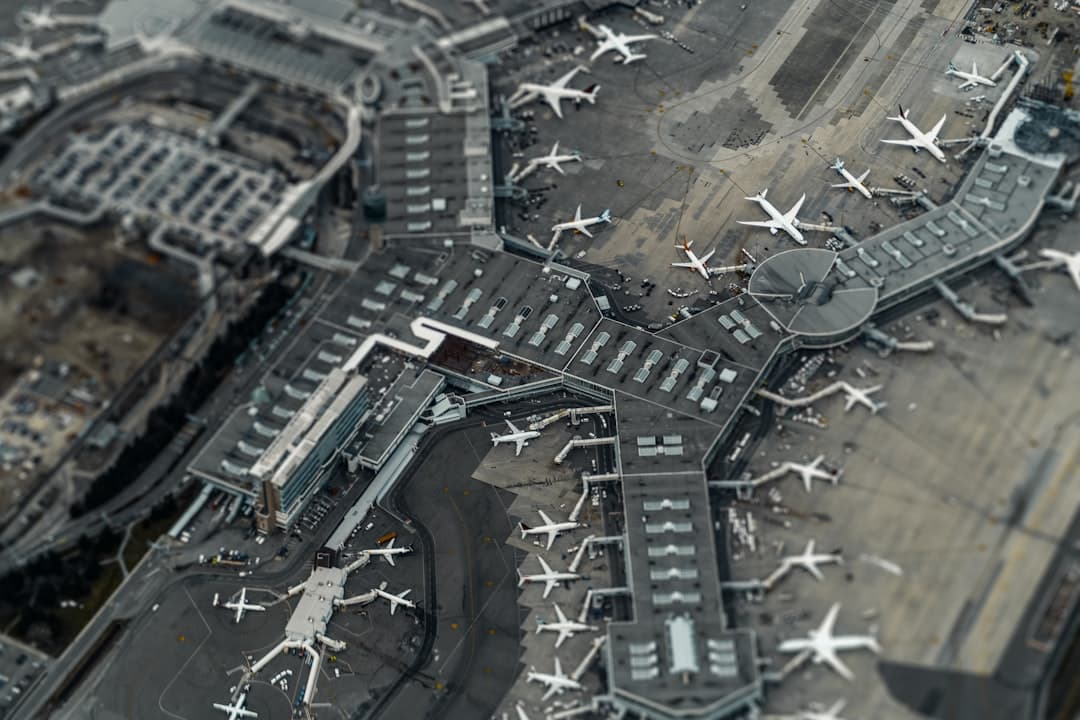
MSP Airport Parking Discount: Best Ways to Save 2026
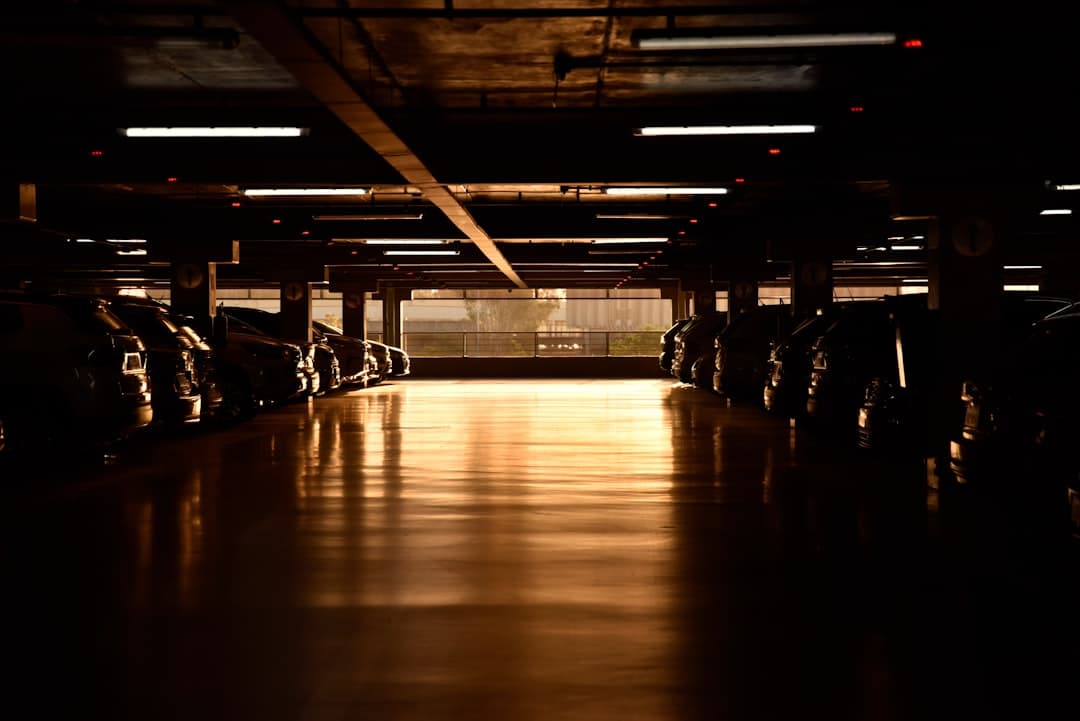
MSP Airport Terminal 1 Parking Promo Code: 2026 Guide
Ready to book your MSP airport parking? Find Parking Now