MSP Airport Parking Login: Full Account Guide 2026
Learn how to log in to the MSP airport parking portal, create an account, manage reservations, and troubleshoot login issues. Off-site lots start at $10/day.
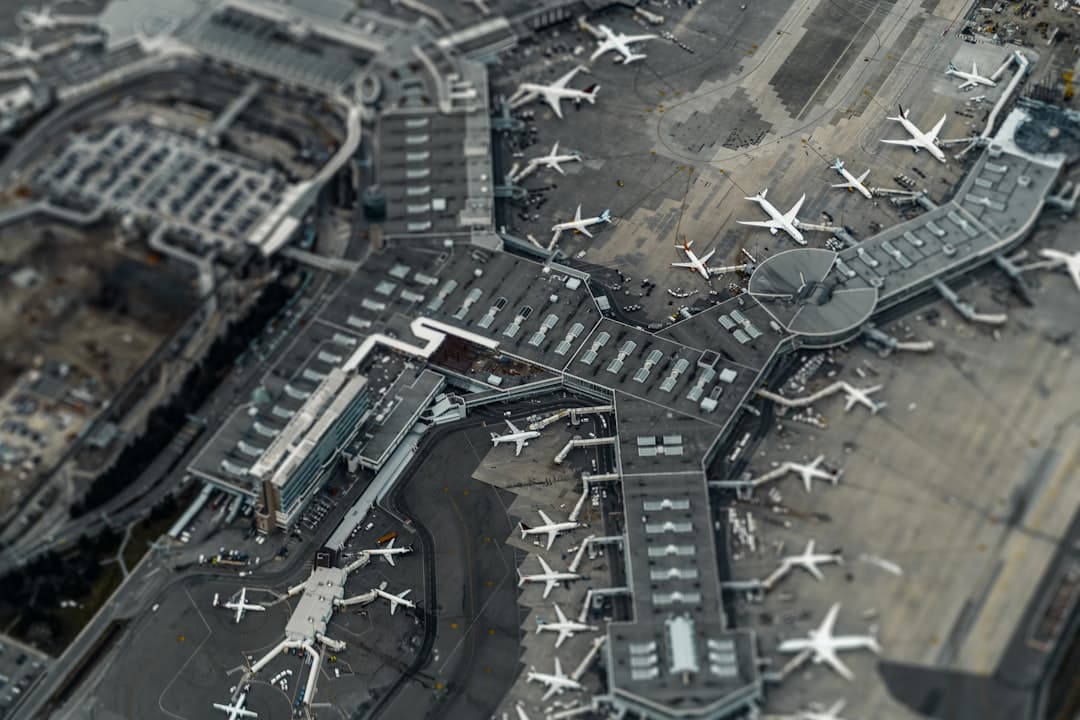
Book MSP airport parking — pick your dates
Pick your dates to search
Quick answer
Visit mspairport.com/parking and click "Reserve Parking." Enter your travel dates and vehicle details, then sign in with your email and password or proceed as a guest. Complete payment and receive a QR code by email for gate entry and exit.
Back to MSP Airport Parking Coupons & Deals | Complete MSP Airport Parking Guide
The MSP airport parking login portal is an online account system that lets travelers at Minneapolis-Saint Paul International Airport reserve, manage, and pay for parking before they arrive. Logging in gives you access to confirmed reservations, booking history, and the ability to modify or cancel upcoming stays — all without calling anyone. You can access it at mspairport.com/parking, where the online booking flow begins.
- Log in at mspairport.com/parking — click "Reserve Parking" to enter the booking portal.
- Account vs. guest checkout — an account saves your reservation history and speeds up future bookings; guest checkout works for one-time trips.
- Prebooking saves real money — off-site lots start at $9.95/day online vs. $30/day for drive-up Terminal 1 ramps.
- ePark Elite membership is a loyalty tier tied to your MSP parking account — it offers perks for frequent travelers.
- QR code entry — after booking, you receive a QR code by email. You scan it at the gate to enter and exit.
- Free cancellation is available on most bookings — check the cancellation window at checkout, typically up to 12 hours before arrival.
How Do You Log In to the MSP Airport Parking Portal?
To log in to the MSP parking portal, go to mspairport.com/parking and click the "Reserve Parking" button. This launches the online booking system managed by the Metropolitan Airports Commission (MAC). From there, you can sign in with your existing account email and password, or proceed as a guest if you don't have an account yet.
Here is the step-by-step login flow:
- Go to mspairport.com/parking in any browser.
- Click "Reserve Parking" — this opens the online parking portal.
- Enter your travel dates, terminal, and vehicle details.
- Select a parking lot from the available options.
- At checkout, choose "Sign In" to use your saved account or "Guest Checkout" for a one-time booking.
- Complete payment — Visa, Mastercard, Amex, Discover, and contactless methods are all accepted.
- Receive your QR code confirmation by email — save it to your phone for gate entry and exit.
The QR code ties directly to your reservation. You scan it at the lot entry barrier when you arrive and again when you exit. No printed ticket needed. The system is fully mobile-friendly, so you can complete the entire login and booking process on your phone.
Compare MSP parking rates from $9.95/day and lock in your spot before you arrive.
How Do You Create an MSP Online Parking Account?
Creating an account takes about two minutes. On the checkout screen, look for the option to create a new account rather than checking out as a guest. You'll enter your name, email address, and a password. Once you verify your email, your account is active.
Here's what you'll need to register:
- A valid email address (this becomes your login username)
- A password of your choosing
- Your name and basic contact details
- A payment method for your first booking
Once your account is set up, all future reservations link to your profile automatically. You can view booking confirmations, print receipts, and access your QR codes from one place. This is especially useful for business travelers who need to submit parking receipts for reimbursement.
What Is ePark Elite Membership?
ePark Elite is a loyalty program tied to your MSP parking account. It is designed for frequent flyers who park at MSP regularly. Members typically access perks through the same login portal. If you fly out of MSP more than a few times per year, it's worth checking the ePark Elite section of your account after you register to see current membership benefits and whether the program is right for your travel frequency.
What Can You Do After Logging In to MSP Parking?
After you sign in, your account dashboard gives you a clear view of all active and past reservations. Most travelers use it to check their upcoming booking details before a trip — confirmation number, lot name, entry date, and QR code.
Key things you can do inside your MSP parking account:
- View upcoming reservations — see lot, dates, and total cost in one place
- Download or resend QR codes — useful if the original confirmation email gets buried
- Access receipts — download PDFs for expense reports or personal records
- Modify existing bookings — change dates when your flight schedule changes
- Cancel reservations — most lots offer free cancellation up to 12 hours before arrival
- View booking history — useful for tracking frequent travel patterns or loyalty status
For a deeper look at what the sign-in experience covers step by step, see our full MSP airport parking sign-in guide, which also covers account creation in more detail.
How Do You Manage or Cancel an MSP Parking Reservation Online?
To modify or cancel a reservation, log in to your account and go to "My Reservations." Find the booking you want to change and select "Modify" or "Cancel." Most MSP parking reservations include free cancellation if you cancel at least 12 hours before your scheduled arrival (verified June 2026). Always check the cancellation terms shown at checkout — they vary slightly by lot.
If you booked as a guest, you can still manage your reservation using the confirmation link in your booking email. You won't have access to a full account dashboard, but the link lets you cancel or view your QR code. This is one practical difference between a full account and guest checkout.
For flight delays or unexpected changes, the MSP airport parking reservation online guide walks through the full modification and refund process in detail.

What Is the Difference Between an MSP Parking Account and Guest Checkout?
A registered account stores your booking history, saves payment details, and gives you a central dashboard to manage all reservations. Guest checkout works for single bookings — you get a confirmation email with a QR code, but nothing is saved to a profile.
| Feature | Registered Account | Guest Checkout |
|---|---|---|
| View all past reservations | Yes | No |
| Manage bookings from dashboard | Yes | Via email link only |
| Save payment details | Yes | No |
| ePark Elite eligibility | Yes | No |
| Download receipts on demand | Yes | From email only |
| Resend QR code anytime | Yes | No |
| Setup time required | ~2 minutes | None |
For occasional travelers, guest checkout is perfectly fine. For anyone flying out of MSP more than twice a year, creating an account saves time on every future trip.
How Much Can You Save by Prebooking MSP Airport Parking Online?
Prebooking through the MSP portal — or through a comparison tool — consistently beats drive-up rates. On-airport Terminal 1 daily ramps cost $30/day at the gate. Off-site lots booked online start as low as $9.95/day. That's a potential saving of over $20 per day, or more than 60% off for a week-long trip.
Here's a current rate comparison across verified MSP parking options (rates as of June 2026):
| Lot / Ramp | Daily Rate | Shuttle | Distance to Terminal |
|---|---|---|---|
| Comfort Inn Minneapolis Airport (Park & Fly) | $9.95 | Free (4 AM–midnight) | 8–10 min |
| Fairfield Inn & Suites Minneapolis Airport (Park & Fly) | $10.95 | Free 24/7 | 7–10 min |
| EZ Air Park | $12.95 | Free 24/7, every ~15 min | 5–8 min |
| Shepard Road Airport Parking | $14.50 | Free 24/7, every 5–10 min peak | 5–7 min |
| Park 'N Go (MSP) | $20.00 | Free 24/7, every 5–10 min | 8–12 min |
| Quick Ride Ramp (on-airport) | $19.00 | Free 24/7 curbside | Shuttle to both terminals |
| Value Parking / Orange Ramp (Terminal 2) | $21.00 | Walk to Terminal 2 | Direct access |
| Terminal 1 Daily Ramps (drive-up) | $30.00 | Walk to Terminal 1 | Direct access |
| InterContinental MSP (Garage) | $29.00 | Skyway to Terminal 1 | 0 min (connected) |
| Valet (Terminal 1) | $50.00 | N/A — valet drop-off | Door 2, upper east roadway |

Based on these current rates, booking off-site through the portal can save you $70–$140 on a week-long trip compared to a Terminal 1 drive-up ramp. For context, MSP's on-airport facilities hold around 26,000 vehicles total — but those spots fill fast during holidays, so early prebooking matters.
For a full breakdown of savings strategies, see the cheapest parking near MSP Airport with shuttle guide.
What Parking Options Are Available to Book Through the MSP Portal?
The MSP parking portal gives you access to all on-airport options managed by the MAC. You can also book verified off-site lots through third-party tools. Here's a quick overview by terminal and lot type:
Terminal 1 — Lindbergh (Delta, United, American, and more)
- Terminal 1 Daily Ramps — Green, Gold, Blue, Red, Silver, Pink, Brown Ramps — $30/day max
- Valet Parking — upper east roadway near Door 2 — $50/day max
- Quick Ride Ramp — free 24/7 shuttle to both terminals — $19/day
Terminal 2 — Humphrey (Southwest, JetBlue, Sun Country, and more)
- Value Parking / Orange Ramp — direct access to Terminal 2 — $21/day
- Quick Ride Ramp — serves both terminals via free shuttle — $19/day
MSP also has a free Cell Phone Lot on the south side of Post Road, between Terminal 1 and Terminal 2 — useful for picking up arriving passengers at no cost. Accessible parking is available at all ramps at both terminals, with ADA-compliant spaces on the lower levels closest to terminal access points.
The Metropolitan Airports Commission is running a $1.9 billion capital improvement program for 2026–2028 — with $501 million allocated in 2026 alone. The Terminal 2 North Expansion ($263M) is active, but all parking remains fully operational with no closures expected in 2026. Plan slightly extra time if shuttling near the Terminal 2 construction zone.
Troubleshooting MSP Airport Parking Login Issues
Most login problems at the MSP parking portal are easy to fix. Here are the most common issues and how to solve them:
Forgot Your Password?
Click "Forgot Password" on the login screen. Enter your registered email address and check your inbox for a reset link. The link typically expires after 24 hours, so use it promptly. Check your spam folder if you don't see it within a few minutes.
Account Locked After Failed Login Attempts?
Too many wrong password attempts can temporarily lock your account. Wait 15–30 minutes before trying again, or use the password reset flow immediately. If the account stays locked, contact MSP parking support directly. Our MSP airport parking phone number guide lists the correct contact numbers for account and billing issues.
Confirmation Email Never Arrived?
- Check your spam or junk folder first.
- Make sure you typed your email correctly at checkout.
- Log in to your account dashboard and resend the QR code from "My Reservations."
- If you used guest checkout, look for a direct link in your original booking confirmation.
Browser or Page Loading Errors?
- Clear your browser cache and try again.
- Switch to a different browser (Chrome, Firefox, and Safari all work with the MSP portal).
- Disable any ad blockers — these can sometimes interfere with booking scripts.
- Try the portal on a mobile device if the desktop version isn't loading correctly.
For issues that go beyond a simple password reset — like a billing dispute or a charge that looks wrong — the MSP airport parking customer service guide covers how to escalate, what information to have ready, and the best way to reach the right team quickly.
Ready to Book MSP Airport Parking?
The MSP parking portal makes it straightforward to reserve your spot before you travel. Whether you're flying Delta from Terminal 1 — Lindbergh or Southwest from Terminal 2 — Humphrey, prebooking through the portal or a comparison tool locks in your rate and avoids the guesswork of drive-up availability. Off-site lots start at $9.95/day with free shuttles, while on-airport ramps run up to $30/day — the difference adds up fast on any trip longer than two days.
Compare MSP parking rates — a typical off-airport lot near Minneapolis-Saint Paul International Airport costs about 55% less per day than the airport's own terminal garage.
Frequently Asked Questions
Looking for the complete guide?
MSP Airport Parking from $10/day: Rates & Best Lots 2026More MSP Parking Guides

MSP Airport Terminal 2 Parking Promo Code Free: 2026 Guide

MSP Airport Parking Coupon Code: Best Deals & Savings 2026

MSP Airport Parking Promo Code Terminal 1: 2026 Guide
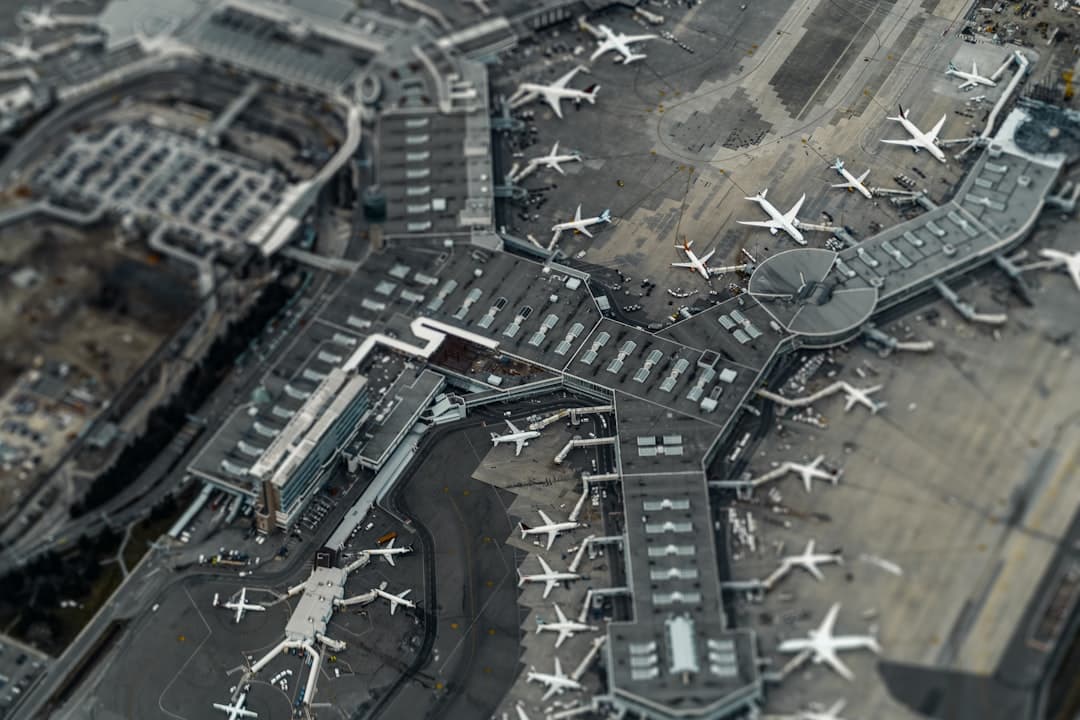
MSP Airport Parking Deals 2026: Best Rates & Savings
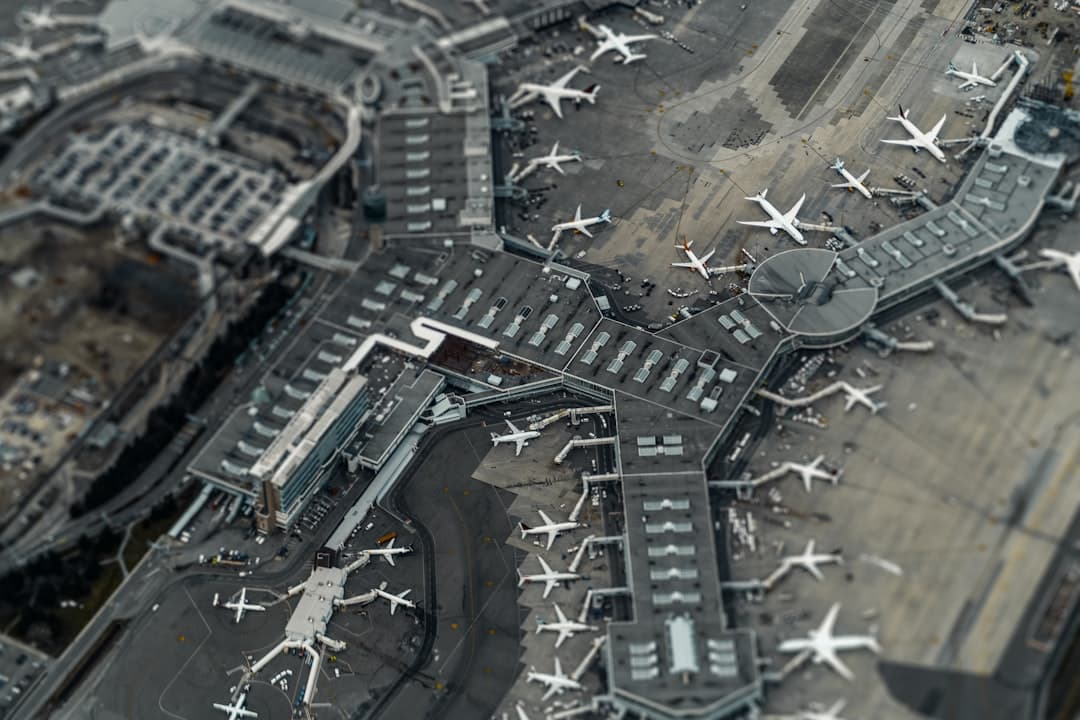
MSP Airport Parking Discount: Best Ways to Save 2026

MSP Airport Terminal 1 Parking Promo Code: 2026 Guide
Ready to book your MSP airport parking? Find Parking Now