FLL Airport Parking App: 2026 Guide to Finding & Booking
The FLL airport parking app shows garage availability and flight info, but has accuracy issues. This 2026 guide compares the official app to third-party booking tools — and shows how to pre-book FLL parking from $7.95/day.
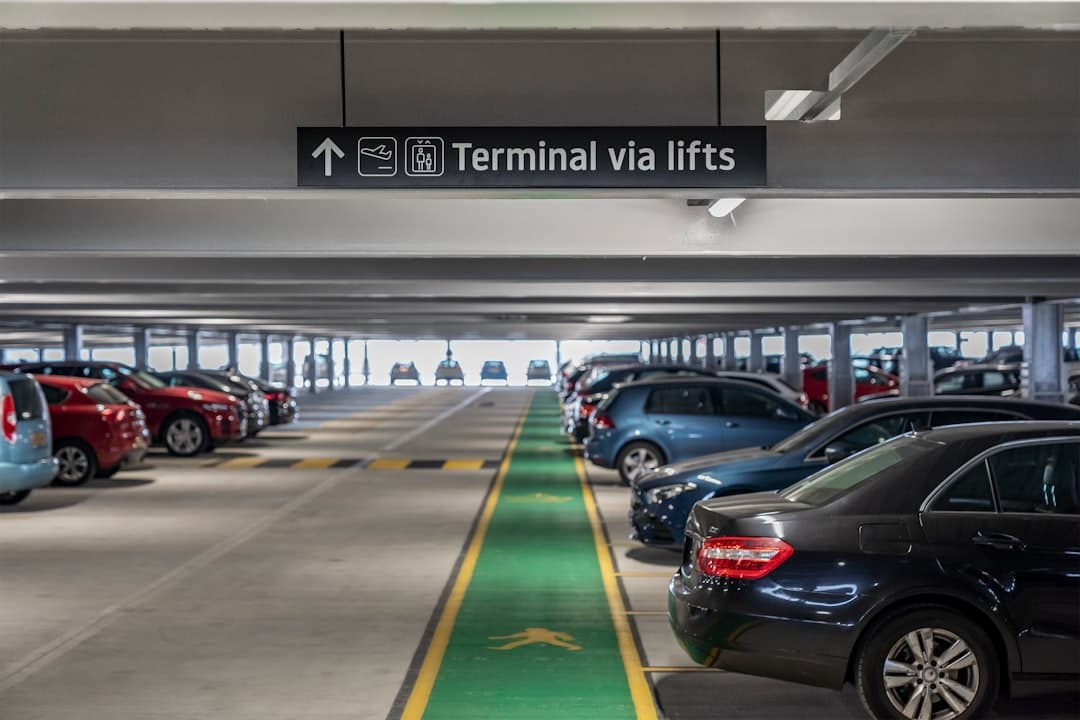
The FLL airport parking app is a mobile tool offered by Fort Lauderdale-Hollywood International Airport that shows real-time garage availability, flight status, terminal maps, and ground transportation options. The official app — published by the Broward County Aviation Department (BCAD) — is free to download on iOS and Android. However, its parking availability data has known accuracy issues, and many travelers find third-party booking apps deliver more reliable results and lower rates.
- Official FLL app features: Real-time parking availability, flight status, terminal maps, dining guides, and ground transport info
- App store rating: The official FLL app holds a 2.1 out of 5 stars on iOS (based on 24 ratings) — well below average for a travel utility
- On-airport rates in 2026: Short-term parking runs $36/day, long-term $20/day, and overflow just $10/day (verified April 2026)
- Off-site lots from $7.95/day: Third-party booking apps can unlock rates 60% lower than FLL short-term garages
- Best alternative: Pre-booking through a comparison platform like Triply gives you a guaranteed spot before you arrive
- Peak season tip: FLL's ~11,000-space capacity fills fast during spring break and holidays — apps showing "available" can be wrong
Back to the Complete FLL Airport Parking Guide
What Is the FLL Airport Parking App and What Does It Do?
The official FLL airport app is a free mobile application published by the Broward County Aviation Department. It covers parking, wayfinding, flights, and services across all four FLL terminals — Terminal 1 (Yellow), Terminal 2 (Red), Terminal 3 (Purple), and Terminal 4 (Green).
Here's what the official app includes:
- Real-time parking availability for the Hibiscus, Palm, and Cypress garages
- Flight status and gate information — arrivals and departures across all terminals
- Interactive terminal maps — find gates, restrooms, dining, and shops
- Ground transportation info — taxis, rideshare pickup zones, shuttle options, and bus connections
- Dining and retail guide — browse food and shopping options by terminal
- Bilingual support — the app offers Spanish-language navigation, useful for the large Spanish-speaking traveler population flying through FLL
The app is available on the Apple App Store and Google Play. It's designed for travelers flying through FLL, not for booking or paying for parking directly through the interface. For that, you'll need a separate tool — more on that below.
Want to skip the guesswork? Compare FLL airport parking rates from $7.95/day on Triply and lock in your spot before you arrive.
How Accurate Is the FLL App's Real-Time Parking Availability?
The FLL app's parking availability feature shows open spaces in the Hibiscus, Palm, and Cypress garages — but the data is not always reliable. Travelers frequently report arriving to find lots marked "available" in the app are actually full, especially during peak periods like spring break, Thanksgiving, and summer holidays.
A few things drive the inaccuracy:
- Sensor lag — garage occupancy sensors don't always update in real time
- High turnover — spaces fill faster than the app refreshes during busy periods
- Construction activity — FLL's ongoing $3.2 billion capital improvement program includes Palm Garage reconstruction, which affects available capacity counts
- Overflow lot data — the $10/day overflow lot isn't always reflected accurately in app readings
The 2.1/5 star iOS rating from 24 reviewers reflects consistent frustration with this feature. One workaround: use the app to monitor trends, but always treat "available" as unconfirmed. If you're flying during a busy period, check our guide on what to do when FLL airport parking is full before your trip.
The most reliable solution is pre-booking a guaranteed spot through a third-party platform — you get a reservation confirmation before you even leave home.
How Do You Download and Set Up the FLL Airport App?
The official FLL app is straightforward to download and requires no account to use most features.
- Open the Apple App Store or Google Play Store on your phone
- Search for "FLL Airport" or "Fort Lauderdale Airport"
- Look for the app published by Broward County Aviation Department
- Tap Install — the app is free with no subscription required
- Allow location permissions for the best map and navigation experience
- Enable notifications if you want flight status alerts
The app is compatible with recent iOS and Android versions. Setup takes under two minutes. You don't need to create an account — just download and go. Note that the app does not support in-app parking payment. You'll still pay at the garage pay stations using cash, Visa, Mastercard, Amex, Discover, Apple Pay, or contactless methods when you exit.
Which FLL Parking Garages Can You Monitor Through the App?
The app tracks availability across all three main on-airport parking structures. Each garage serves different terminals, so knowing which one you need matters.
| Garage | Terminals Served | Long-Term Rate | Short-Term Rate |
|---|---|---|---|
| Hibiscus Garage (Levels 3–7) | Terminals 1 & 2 | $20/day | $36/day (Level 2) |
| Palm Garage (Levels 2–4) | Terminals 3 & 4 | $20/day | $36/day (Level 1) |
| Cypress Garage (Levels 7–9) | All terminals (via free shuttle) | $20/day | N/A |
| Overflow Lot | All terminals (via free shuttle) | $10/day | N/A |
| Valet Parking | Select terminals | $30/day | N/A |
Hibiscus Garage serves Southwest Airlines, United Airlines, Delta, Alaska Airlines, and other Terminal 1 and 2 carriers. Palm Garage is closest to JetBlue, American Airlines, and Spirit Airlines in Terminals 3 and 4. Cypress Garage works for any terminal via the free shuttle — it's the best bet when the closer garages show full. The free Breeze Shuttle connects all four terminals once you're at the airport.
FLL's parking capacity totals roughly ~11,000 vehicles across all structures, per BCAD. Even so, that fills quickly during South Florida's busiest travel weeks. See our full FLL parking availability guide for real-time tips during busy periods.
Are There Better Alternatives to the Official FLL Parking App?
Yes — and for most travelers, third-party apps outperform the official FLL app on the features that matter most: pricing, booking, and reliability.
Official FLL App vs. Third-Party Parking Apps
- Official FLL App: Shows on-airport garage availability, flight status, terminal maps. No booking, no payment, limited accuracy. Rated 2.1/5 on iOS.
- Triply (triplypro.com): Compares on-site and off-site FLL lots side by side. Shows real rates, lets you pre-book and pay. No app required — works from any browser.
- SpotHero: Aggregates parking inventory including some off-airport FLL lots. Allows advance booking with confirmation. Browse SpotHero FLL options.
- Way.com: Another comparison platform with FLL off-site parking inventory. Offers occasional discount codes. See Way.com FLL rates.
- ParkingAccess: Lists FLL lots with real-time pricing and booking. Good for last-minute reservations. Includes hotel park-sleep-fly packages.
The core difference: the official app tells you if there might be space. Third-party platforms let you guarantee a space. For a trip where you're paying hundreds in airfare, spending two minutes to pre-book parking is worth it.

Off-site lots bookable through these platforms start at $7.95/day — compared to $20/day for on-airport long-term and $36/day for short-term. That's a saving of up to 78% on a week-long trip. Our guide to cheap parking near Fort Lauderdale Airport breaks down every off-site option in detail.
How Much Does FLL Airport Parking Cost in 2026?
FLL airport parking costs range from $7.95/day to $36/day depending on whether you park on-site or off-site (verified April 2026). Here's a full breakdown:
| Parking Option | Rate | Shuttle | Book via App? |
|---|---|---|---|
| Short-Term (Hibiscus L2 / Palm L1) | $36/day | Direct walkway | No |
| Long-Term (Hibiscus, Palm, Cypress) | $20/day | Free Breeze Shuttle | No |
| Valet Parking | $30/day | N/A | No |
| Overflow Lot | $10/day | Free shuttle | No |
| Rodeway Inn & Suites FLL Airport Parking | $7.95/day | Free shuttle | Yes (via Triply) |
| Park By The Ports (FLL) | $7.99/day | Free 24/7, every 10–15 min | Yes (via Triply) |
| Tropical Airport Parking at Homewood Suites | $8.95/day | Free, every 15–20 min | Yes (via Triply) |
| FastTrack Fort Lauderdale Airport Parking | $9.95/day | Free, every 10–15 min | Yes (via Triply) |
On-airport garages accept cash and all major cards at automated pay stations. None currently support in-app payment at exit. If you want to pay via an app, you'll need to pre-book through a third-party platform before arrival.
Can You Pre-Book FLL Parking Through an App?
You cannot pre-book official on-airport FLL parking (Hibiscus, Palm, Cypress) through an app — those garages are drive-up and pay-on-exit only. However, every major off-site lot near FLL supports advance booking through third-party platforms.
Here's how to pre-book FLL parking using an app or website:
- Go to Triply's FLL parking search and enter your travel dates
- Compare available lots — you'll see exact rates, shuttle frequency, distance, and amenities
- Select your lot and complete booking — you'll get a confirmation with lot address and arrival instructions
- On travel day, drive directly to the lot (no app-based navigation needed)
- Show your confirmation, park, take the shuttle to your terminal
Pre-booking protects you from the most common FLL parking headache: arriving to find your chosen garage full. During spring break or holiday weekends, FLL's on-site lots can hit capacity by mid-morning. Off-site lots with advance reservations hold your space regardless of how busy the airport gets. Park By The Ports runs its shuttle every 10–15 minutes, 24/7 — one of the most frequent schedules of any off-site FLL lot.
Before you drive, it's always smart to check real-time traffic on Waze — especially during peak South Florida travel seasons when I-95 and I-595 can back up near the airport.
Tips for Using an App to Avoid Full Parking at FLL During Peak Travel
FLL handles millions of passengers annually, and its ~11,000-space parking capacity gets strained fast during peak periods. These tips will help you use apps effectively to avoid parking problems.
- Book at least 48 hours ahead during spring break, summer, Thanksgiving, and Christmas — off-site lots sell out too
- Use the FLL app for flight status, not parking availability — flight info is far more reliable than the garage sensors
- Monitor the overflow lot via the official BCAD overflow parking page if you're arriving without a reservation — it's the last resort at $10/day with a free shuttle
- Check shuttle schedules before early flights — some off-site lots have limited overnight shuttle frequency; confirm before booking if you're catching a 5 a.m. departure
- FLL is expanding — Terminal 5 opens mid-2026, which will reshape traffic and terminal access near Cypress Garage; check current signage on arrival
- Use TSA PreCheck to reduce security time — combining a pre-booked parking spot with TSA PreCheck enrollment gives you the smoothest possible airport experience
- Sign up for flight alerts in the FLL app — if your flight is delayed, you can adjust pickup timing and avoid extra parking fees
FLL sits just 3 miles southwest of downtown Fort Lauderdale, with access via I-95, I-595, and US-1. Traffic on these routes can add 20–30 minutes during rush hour. Factor that into your parking-to-gate timing, especially if you're shuttling from an off-site lot. For a full breakdown of all options — including the best FLL parking coupons and discount codes — explore our dedicated savings guide.
The bottom line: the official FLL parking app is a solid flight tracker and terminal guide. For parking, it's a starting point — not a solution. Pre-booking through a comparison platform gives you a guaranteed spot, a lower rate, and one less thing to worry about on travel day. Find your best FLL airport parking deal — compare lots from $7.95/day on Triply and secure your reservation now.
Frequently Asked Questions
Looking for the complete guide?
Fort Lauderdale Airport Parking from $7.95/day | 2026 GuideMore FLL Parking Guides
Fort Lauderdale Airport Parking Sold Out? What to Do Now (2026)
Fort Lauderdale Airport Hibiscus Parking Garage 2026

FLL Airport Parking Delta: 2026 Terminal 2 Guide
FLL Airport Parking Terminal 4: 2026 Complete Guide
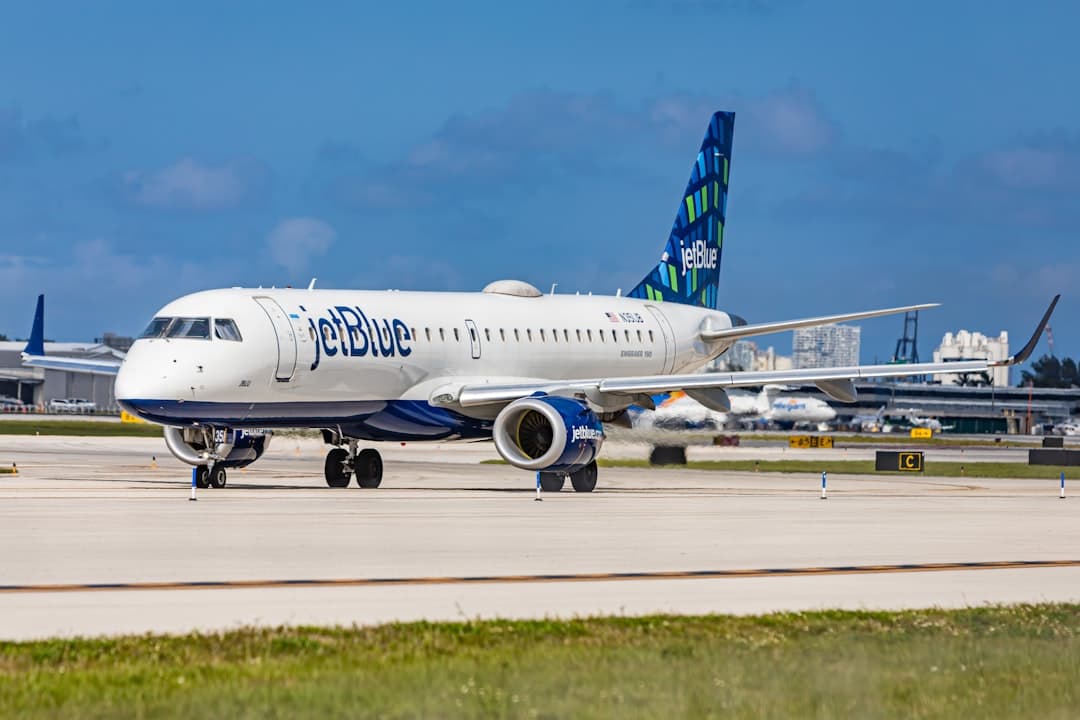
FLL Airport Parking JetBlue: 2026 Rates & Terminal Guide
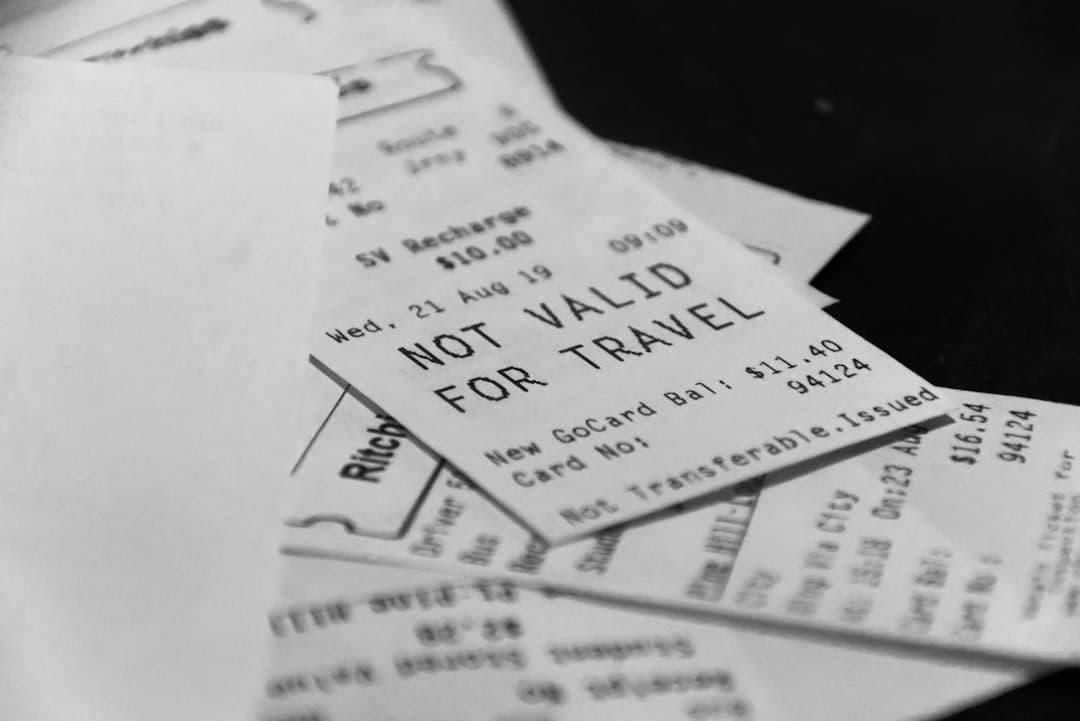
FLL Airport Parking Receipt: Complete 2026 Guide
Ready to Book Your FLL Airport Parking?
Compare prices from top-rated parking lots and save up to 70% on your next trip.
Find Parking Now