DFW Airport Parking Login: MyDFW Account Guide 2026
Step-by-step guide to the DFW airport parking login and MyDFW account. Create an account, manage reservations, reset passwords, and save up to 50% on DFW parking in 2026.
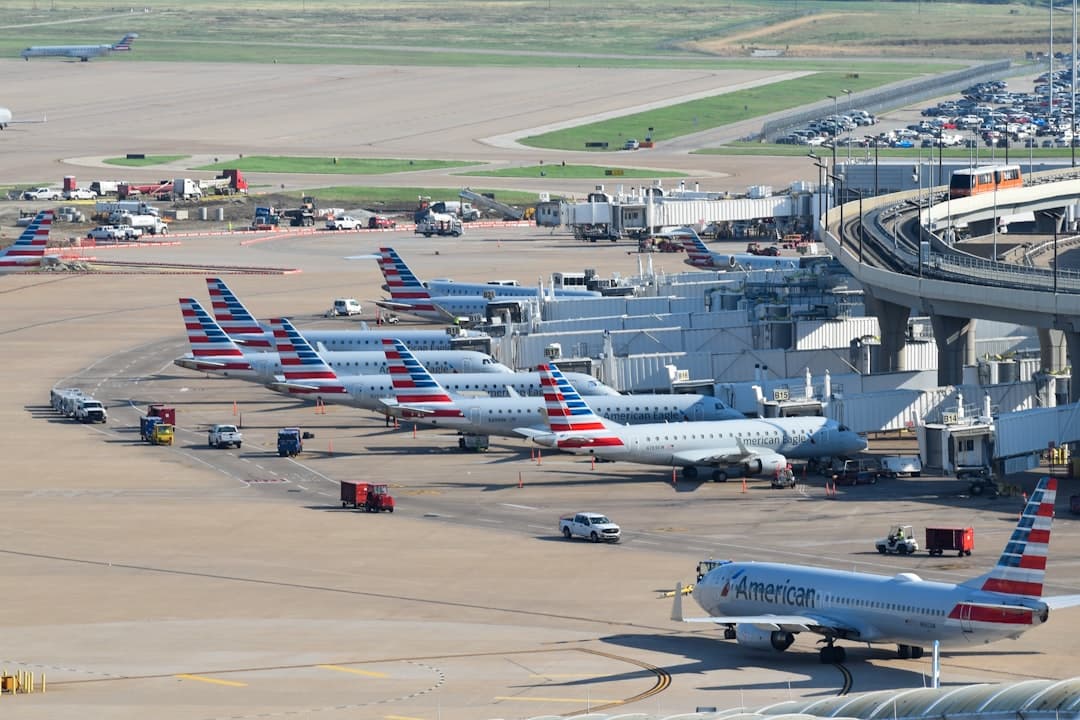
Book DFW airport parking — pick your dates
Pick your dates to search
Quick Answer
The DFW Airport parking login is your MyDFW account portal at dfwairport.com/park. Sign in to prebook parking across Terminal Garages ($27/day), Express ($10–$15/day), Remote ($10/day), and Valet ($34/day) lots. Prebooking saves up to 50% versus walk-up rates and includes free cancellation if canceled one hour before arrival.
Back to DFW Airport Parking: The Complete Dallas Fort Worth Parking Guide 2026
The DFW Airport parking login is the sign-in portal for your MyDFW account — the official online platform that lets you prebook parking, manage reservations, request refunds, and save up to 50% off walk-up daily rates at Dallas/Fort Worth International Airport. You access it at dfwairport.com/park, where both new account creation and returning sign-ins are handled. Whether you park in a Terminal Garage at $27/day, Express lots at $10–$15/day, or Remote lots at $10/day, your MyDFW account ties all your bookings together in one place.
- Prebooking saves real money: DFW's official prebook rates can cut parking costs by up to 50% compared to walk-up prices (per dfwairport.com/park).
- Four on-airport tiers: Terminal Garages ($27/day), Express Parking ($10–$15/day), Remote Parking ($10/day), and Valet ($34/day) — all bookable through your account.
- Free cancellation window: Prebooked reservations are typically refundable if canceled at least one hour before your booking start time.
- Guest bookings can be linked: If you booked as a guest, you can attach that reservation to a MyDFW account using your confirmation number.
- Mobile app login exists: The DFW Airport app lets you manage parking on the go, but the desktop portal offers more account management features.
- Third-party options are separate: Platforms like SpotHero and Triply use their own logins — they are not connected to your MyDFW account.
Ready to lock in a lower rate before your trip? Compare DFW airport parking options from $6.95/day on Triply — search takes under 60 seconds.
What Is the DFW Airport Parking Login and How Does It Work?
The DFW Airport parking login is your gateway to the MyDFW customer account portal, hosted at dfwairport.com. Once you're signed in, you can prebook a spot, view upcoming reservations, download receipts, and submit refund requests — all without calling the parking office.
DFW's official parking page covers ~40,000+ parking spaces across five terminal garages, two Express lots, two Remote lots, and Valet. The prebook system locks in a lower rate and guarantees your spot. Walk-up pricing is always higher, so your account login is essentially a money-saving tool, not just an admin portal.
The login system supports two types of users:
- Registered MyDFW account holders — full access to booking history, saved payment methods, and the refund portal.
- Guest checkout users — can retrieve a booking using a confirmation number, but cannot access history or request refunds as easily.
For the full breakdown of what each parking tier costs and which lot fits your trip length, see the DFW Airport Parking Rates & Cost Guide 2026.
How to Create a MyDFW Account to Manage Your Parking
Creating a MyDFW account takes about three minutes. You'll need a valid email address and a password. Here's the full process:
- Go to dfwairport.com/park.
- Click the "Sign In / Register" button near the top of the page.
- Select "Create Account" on the sign-in screen.
- Enter your first name, last name, and email address.
- Choose a strong password (at least 8 characters; mix letters and numbers).
- Accept the terms and conditions.
- Click "Submit" — a verification email arrives within a few minutes.
- Click the link in the email to confirm your account.
- Sign in and add your vehicle information and a saved payment method for faster checkout.
Once registered, you can store multiple vehicles and payment methods. This is helpful for families or travelers who switch cars. Your account also keeps a full history of past bookings, which makes requesting refunds or reprinting receipts much easier.
Privacy note: DFW's portal stores encrypted payment data in line with standard PCI compliance requirements. Avoid saving payment info on shared or public computers.
How to Log In to Your DFW Airport Parking Account Step by Step
Logging in to your MyDFW parking account is straightforward. Use these steps each time:
- Visit dfwairport.com/park on any browser.
- Click "Sign In" at the top of the page.
- Enter your registered email address and password.
- Click "Log In".
- Your dashboard loads with upcoming reservations and account options.
From the dashboard, you can book a new reservation, view existing ones, or access the customer service portal. The system works on all major browsers including Chrome, Safari, Firefox, and Edge. If you're on a mobile browser, the site adjusts for smaller screens — though the dedicated app gives a cleaner experience on phones.
How to Find, Modify, or Cancel a Prebooked Parking Reservation
Once logged in, managing your reservation is easy. Here's how to find, change, or cancel a booking:
Finding a Reservation
- Log in to your MyDFW account.
- Click "My Reservations" in the account menu.
- All upcoming and past bookings appear here with confirmation numbers, lot names, and dates.
Linking a Guest Booking to Your Account
If you booked as a guest before creating an account, you can link that reservation. Go to "My Reservations" and enter your confirmation number plus the email used at checkout. The system attaches the booking to your account history.
Modifying a Reservation
- Select the booking you want to change.
- Click "Modify" and adjust dates, lot type, or vehicle details.
- Rate changes apply if you modify dates — the new rate reflects availability at the time of change.
Canceling a Reservation
Prebooked DFW parking is typically refundable if you cancel at least one hour before your booking start time. After that window closes, the reservation becomes non-refundable. Cancel through "My Reservations" — the refund processes back to your original payment method.
If you're booking a multi-day stay, check out the DFW Long-Term Parking: Remote Lots, Express & Weekly Options 2026 guide for the best lot choices and rates for extended trips.
Forgot Your MyDFW Password? How to Reset Your Login
A forgotten password is the most common DFW parking login issue. The reset process takes under two minutes:
- Go to the MyDFW sign-in page at dfwairport.com/park.
- Click "Forgot Password?" below the login fields.
- Enter the email address tied to your account.
- Check your inbox for a reset link — it usually arrives within 5 minutes.
- Check your spam folder if you don't see it.
- Click the link, set a new password, and log back in.
Other Login Troubleshooting Tips
- Email not recognized: You may have used a different email to register. Try alternate addresses you use for travel bookings.
- Account locked: Too many failed login attempts can temporarily lock your account. Wait 15–30 minutes and try again, or use the password reset flow.
- Browser issues: Clear your cache and cookies, or try a different browser.
- Still stuck: Call the DFW Parking help line at (972) 973-3112 or email finparkingrev@dfwairport.com.
How to Request a Parking Refund Through the DFW Customer Portal
Refund requests for prebooked parking go through the DFW customer service portal. You must be logged in to your MyDFW account to submit one. Here's the process:
- Log in at dfwairport.com/park.
- Navigate to "My Reservations" and select the booking.
- Click "Request Refund" or "Contact Customer Service" depending on the refund reason.
- Fill in the reason for the refund request and submit.
- Save your confirmation number for the refund request.
Refunds for canceled reservations (within the allowed window) typically process back to your credit card within 5–10 business days, though timing varies by card issuer. If your flight was canceled or you had an emergency, DFW customer service handles exceptions on a case-by-case basis — call (972) 973-3112 directly for urgent situations.
For additional ways to save before you book — including discount codes and promo deals — see the DFW Airport Parking Deals, Discount Codes & Promo Codes 2026 guide.
DFW Airport Parking Login on the Mobile App vs Desktop: What's the Difference?
DFW offers a dedicated mobile app for iOS and Android alongside the desktop website. Both use the same MyDFW account credentials. Here's how they compare:
| Feature | Desktop (dfwairport.com) | DFW Airport Mobile App |
|---|---|---|
| Book new parking reservation | Yes | Yes |
| View and manage reservations | Yes | Yes |
| Request refund | Yes (full portal) | Limited — may redirect to browser |
| Remote shuttle tracker | Yes (separate page) | Yes (built-in feature) |
| Flight status alerts | No | Yes |
| Account settings and saved vehicles | Full access | Basic access |
| Best use case | Initial setup, refunds, full management | Day-of travel, shuttle tracking, quick lookup |
The mobile app is better for day-of travel tasks like tracking the Remote parking shuttle in real time. The desktop portal is better for creating your account, managing payment methods, and submitting refunds. Both pull from the same account data once you log in with your MyDFW credentials.
One practical tip: download and log in to the app before your travel day. That way, your booking is already accessible offline if airport Wi-Fi is slow. The app also sends push notifications if your terminal or shuttle has a delay — useful during DFW's ongoing $12+ billion expansion, which includes Terminal C renovations (phase opening mid-2026) and Terminal A gate work (late 2026 completion). No parking closures are expected during construction (verified May 2026).

Comparing DFW Official Parking Login vs Third-Party Parking Platforms
Your MyDFW login only covers on-airport parking. Off-site and third-party lots use separate booking systems. Here's how the main options stack up:
| Platform | Lots Available | Price Range | Login Type |
|---|---|---|---|
| DFW Official (MyDFW account) | Terminal Garages, Express, Remote, Valet | $10–$34/day | MyDFW account |
| Triply | Off-site lots incl. The Parking Spot, Ausby | From $6.95/day | Triply account or guest |
| SpotHero | Off-site and partner lots | Varies | SpotHero account or guest |
| The Parking Spot (direct) | The Parking Spot North, South, Premium | $10.95–$13.95/day | The Parking Spot account |
Key difference: The official MyDFW portal books you into on-airport lots only. Third-party platforms like Triply let you compare on-airport and off-site options side by side. Off-site lots start at $6.95/day (Ausby Airport Parking) versus Remote's $10/day on-airport — a meaningful gap for longer trips.
For travelers flying through Terminal D (Air France, British Airways, Emirates, Lufthansa, Qantas) or Terminal E (Delta, JetBlue, United), off-site lots with 24/7 shuttle service can save $30–$70+ on a week-long trip compared to Terminal Garage parking. The Parking Spot North and South both offer on-demand 24/7 shuttles at $10.95/day with free luggage assistance.
Third-party platforms also don't require you to create a separate DFW account. Triply and SpotHero each have their own logins, or you can check out as a guest. Your MyDFW account and any third-party account are completely separate — there is no link between them.
Book Your DFW Parking Spot Before Rates Rise
The DFW airport parking login through your MyDFW account is the fastest way to lock in prebooked rates and save up to 50% on on-airport parking. Create your account before your trip, save your vehicle and payment details, and you'll be through the booking flow in under two minutes next time. For off-site options that go even lower — starting at $6.95/day — compare across all available DFW lots in one place.
Find and reserve the best DFW parking rate for your trip — compare lots from $6.95/day on Triply.
For a full overview of all parking products, rates, and tips at Dallas/Fort Worth International Airport, see the Complete DFW Airport Parking Guide 2026.
Compare DFW parking rates — a typical off-airport lot near Dallas/Fort Worth International Airport costs about 76% less per day than the airport's own terminal garage.
Frequently Asked Questions
Looking for the complete guide?
DFW Airport Parking: Official Rates, Off-Site Lots and Shuttles (2026 Guide)More DFW Parking Guides
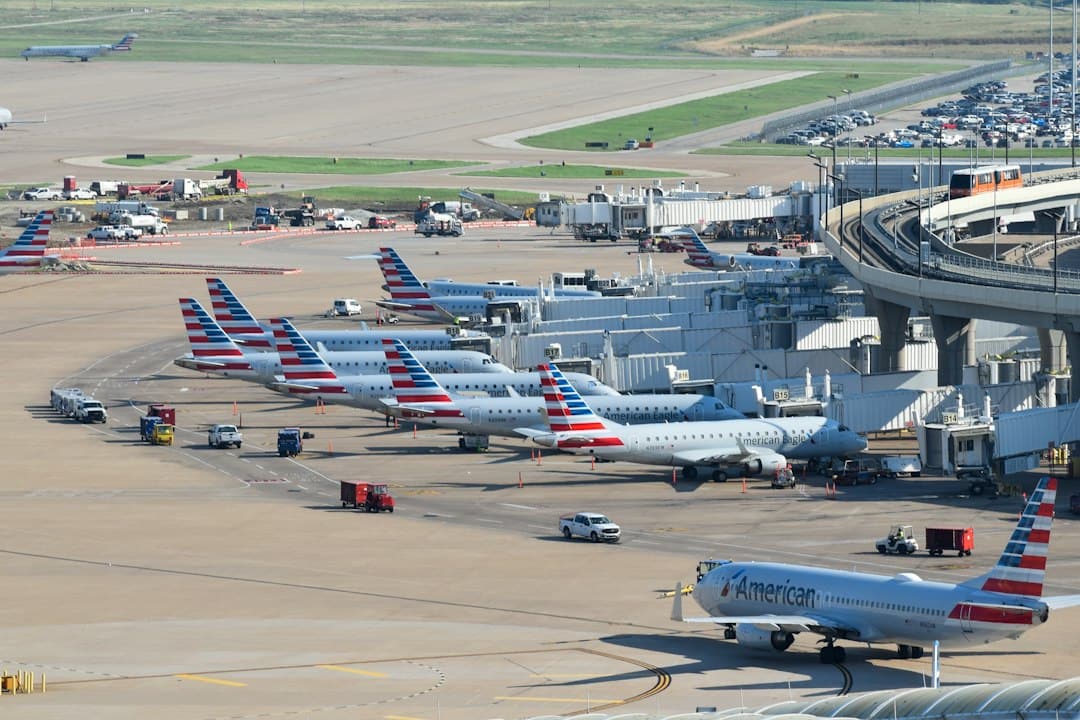
Christmas and New Year Parking at DFW Airport (2026–27): Rates, Peak Days and When to Book
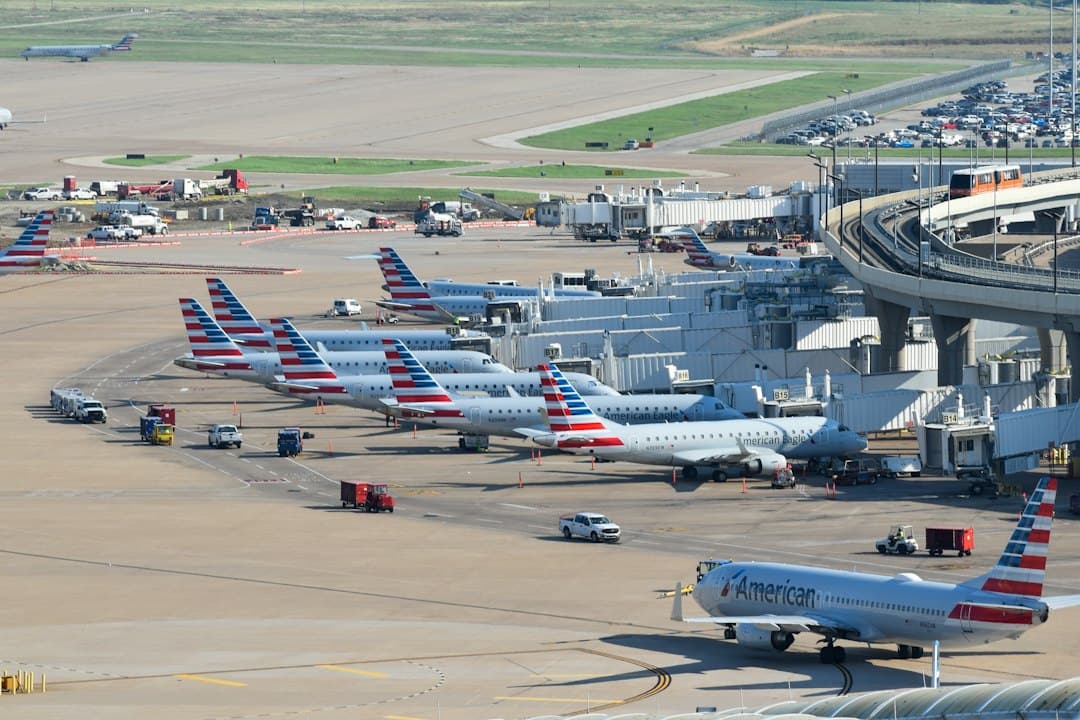
Thanksgiving Parking at DFW Airport (2026): Terminal vs Remote vs Off-Site, What It Costs
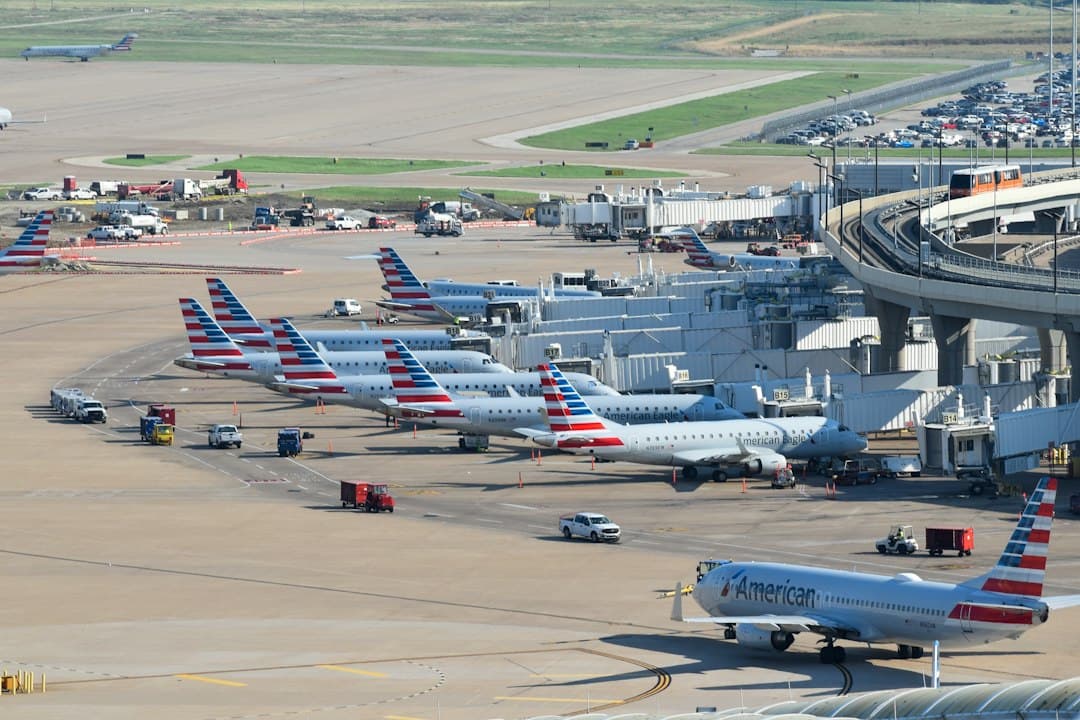
Way Airport Parking DFW: Best Options Compared 2026
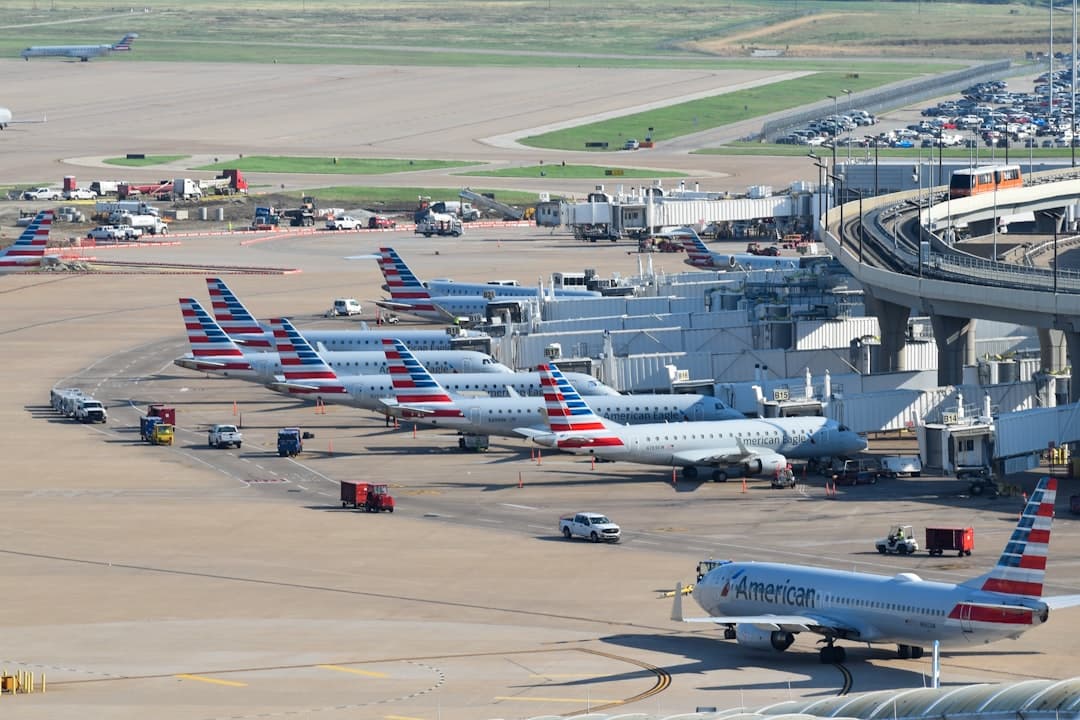
DFW Airport Parking Sold Out? What to Do Right Now (2026)
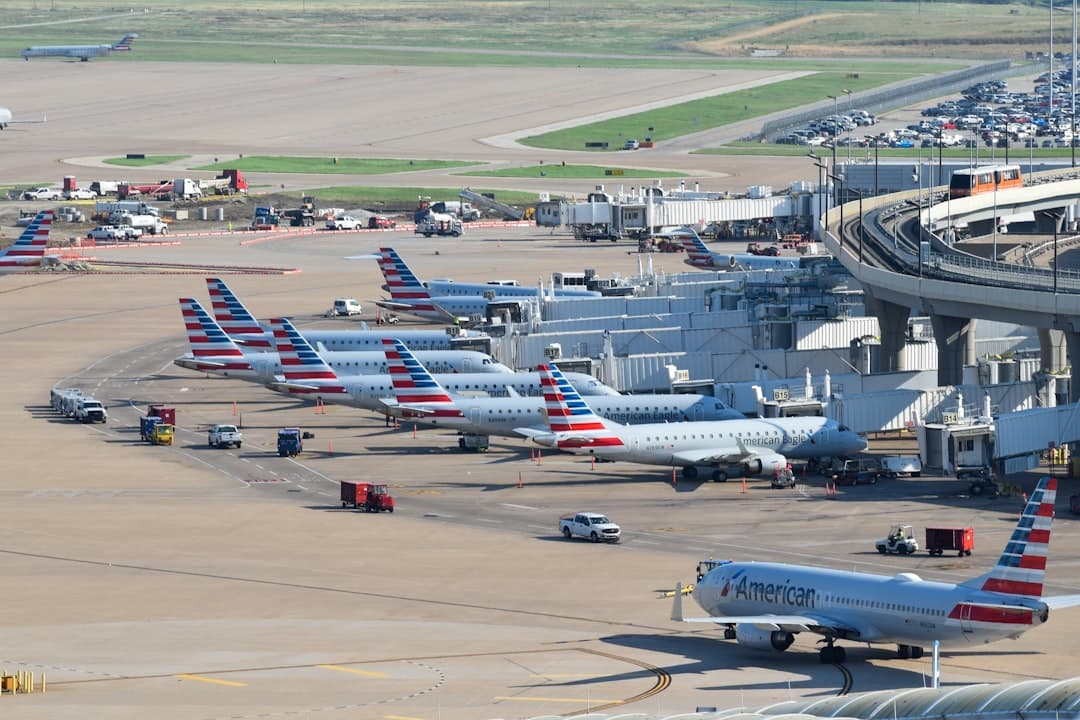
DFW Airport Valet Parking Reservation Guide 2026
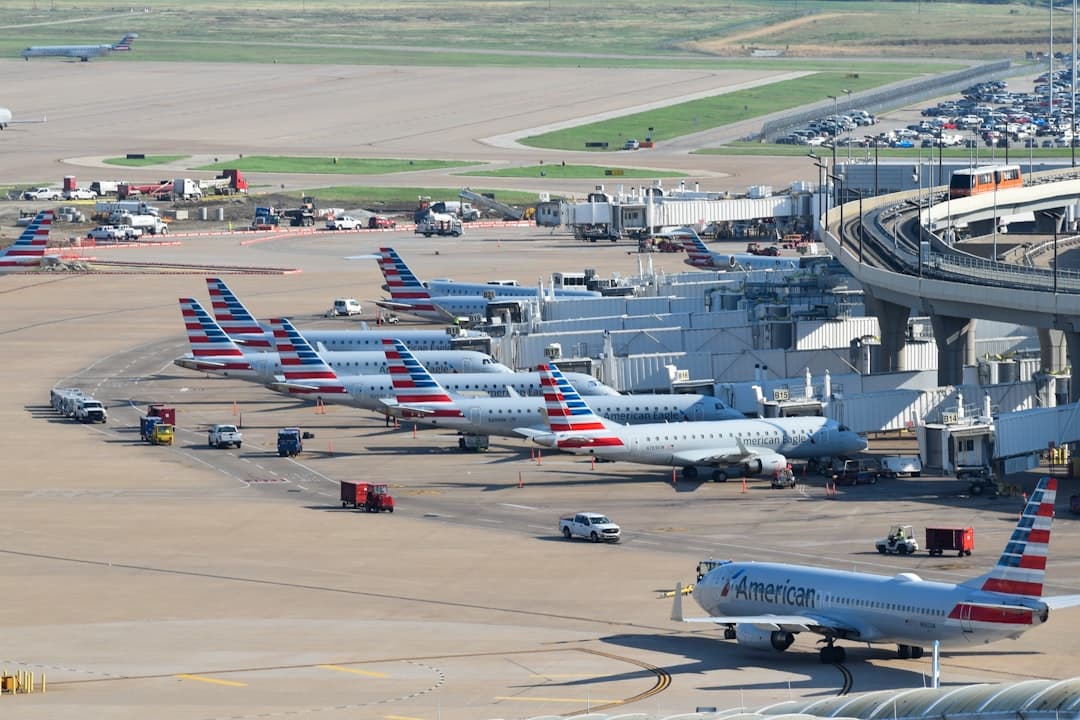
DFW Airport Parking Citation: How to Pay, Contest & Avoid Fines 2026
Ready to book your DFW airport parking? Find Parking Now